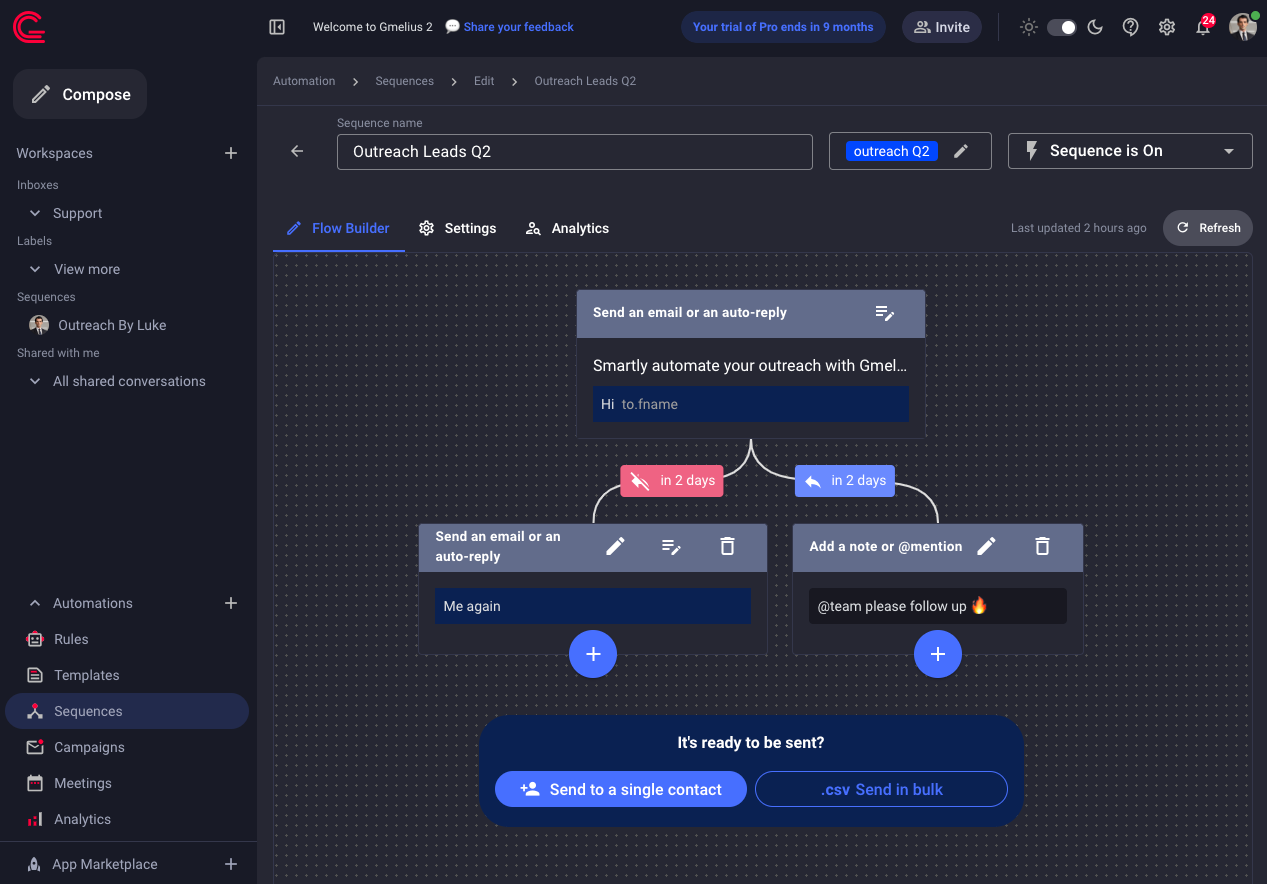
Introducing Sequences 2.0: Gmail controls, folders, and tags
We’re excited to unveil significant updates to our Email Sequences that make managing your communication easier than ever—all directly from your Gmail inbox!
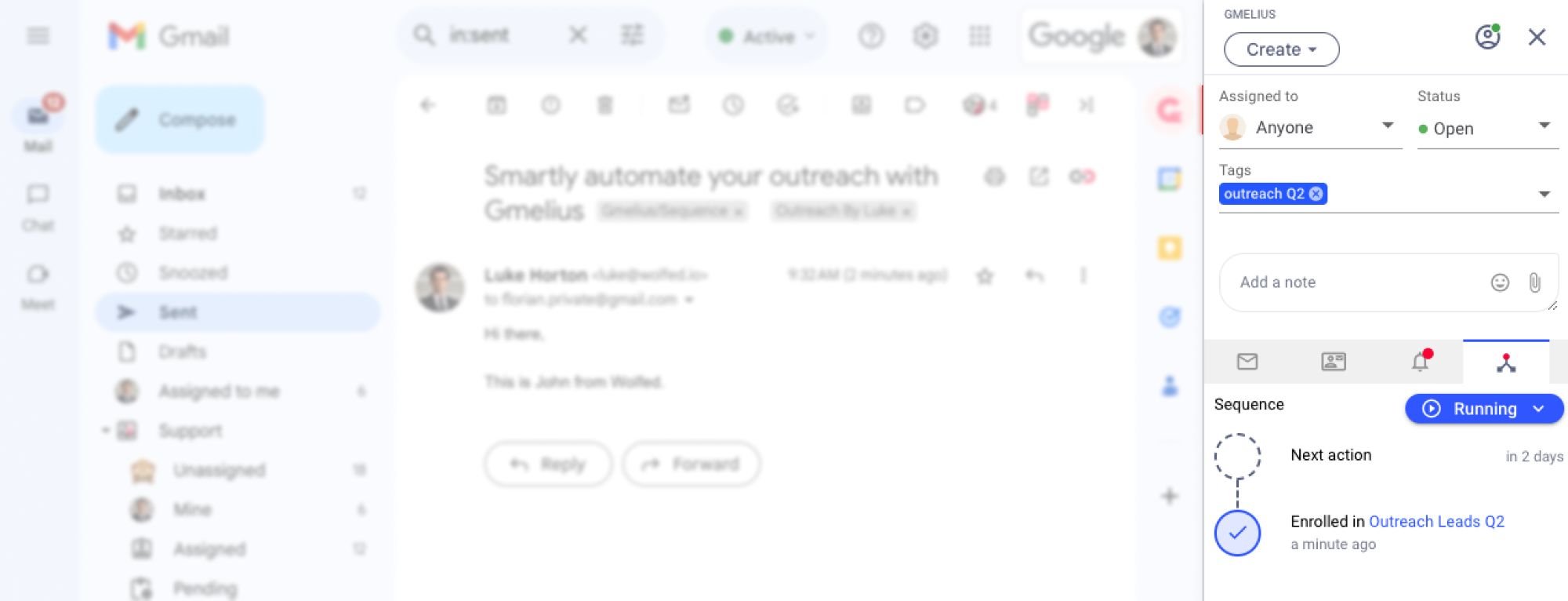
What’s New?You can now easily control the life of a sequence directly in Gmail thanks to a new tab in your Gmelius sidebar that lets you:
- Monitor Progress: Instantly see which stage any enrolled contact is in.
- Pause & Resume: Temporarily halt and restart sequences for specific contacts as needed.
- Unenroll Contacts: Remove contacts from sequences with just a click.
Besides, all your new sequences now appear in a new section in the left-navigation pane for easy access. Plus, each sequence is tagged, simplifying searches and filtering.
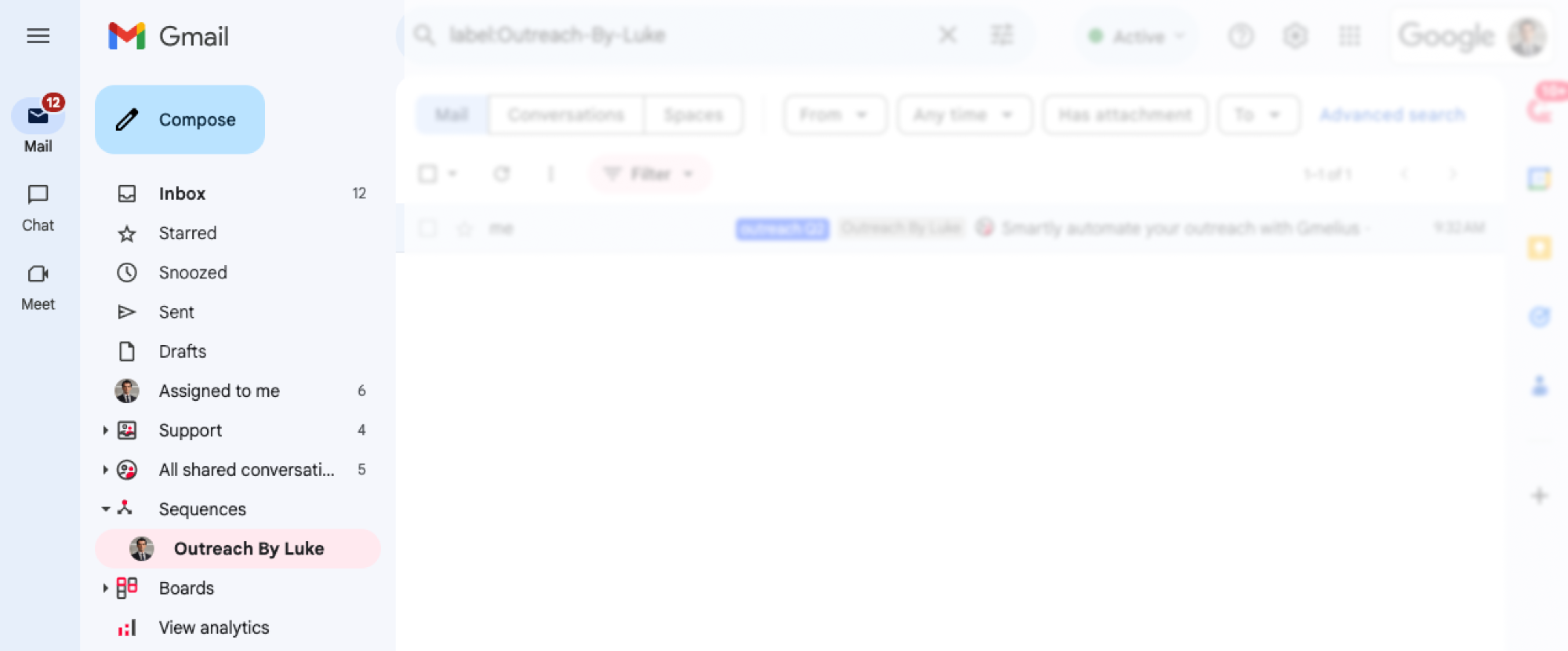
Get Started Now: These updates are available immediately. Access them in Gmail or via the Gmelius Web App and take your email outreach efforts to new heights!