November: Latest updates
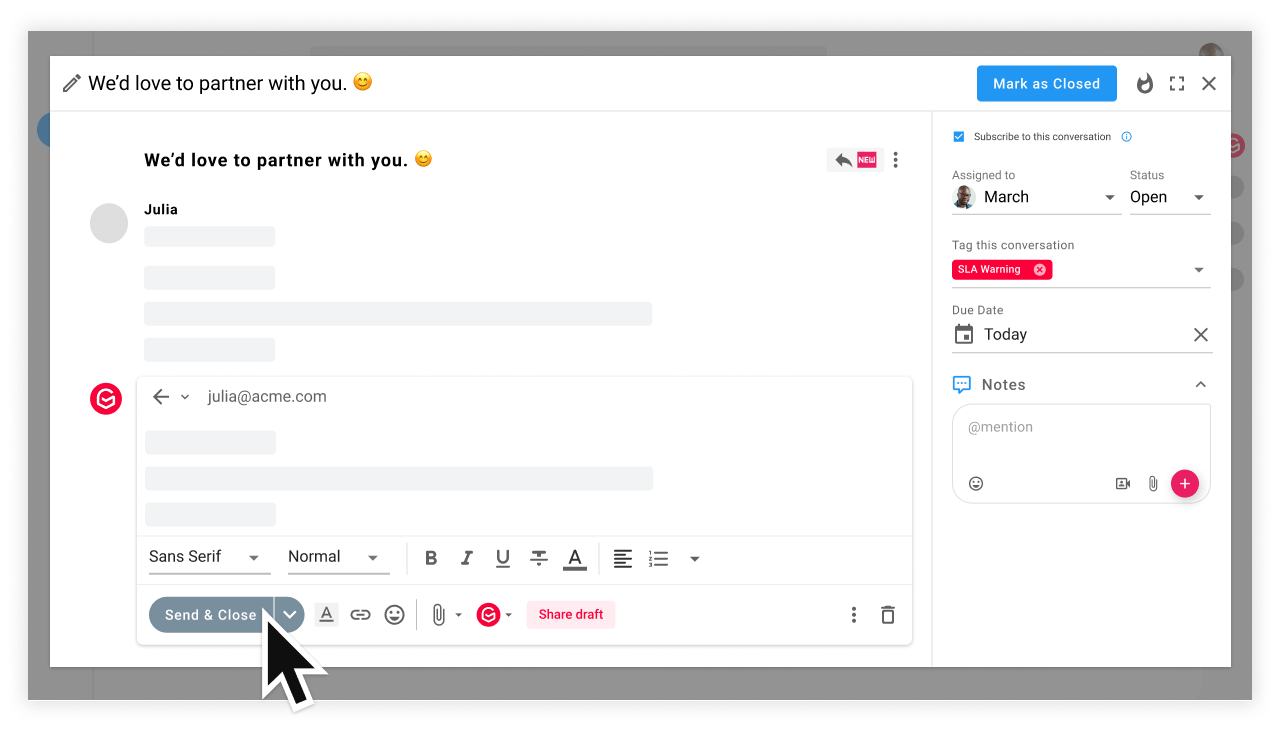
In November, we were hard at work, making workload management and email collaboration even more efficient.
🤖 If you are on the Pro plan, you can now create an automation rule in a round-robin manner that will evenly distribute email conversations across all teammates, depending on their availability. Learn more
🔀 Are you on the Growth plan? You can now manage your team's workload using the Load Balancer. Learn more
📊 If you need to shift from an analytics overview and dig deeper into a specific metric, now you can get a granular view by clicking on the View button. Learn more
👋 Did a teammate share a conversation to which you don't have access? You can now request it in one click!
⏱️ When setting up an automation rule, you can now define a condition for email time, taking into account not only a specific hour but also a specific minute. Learn more
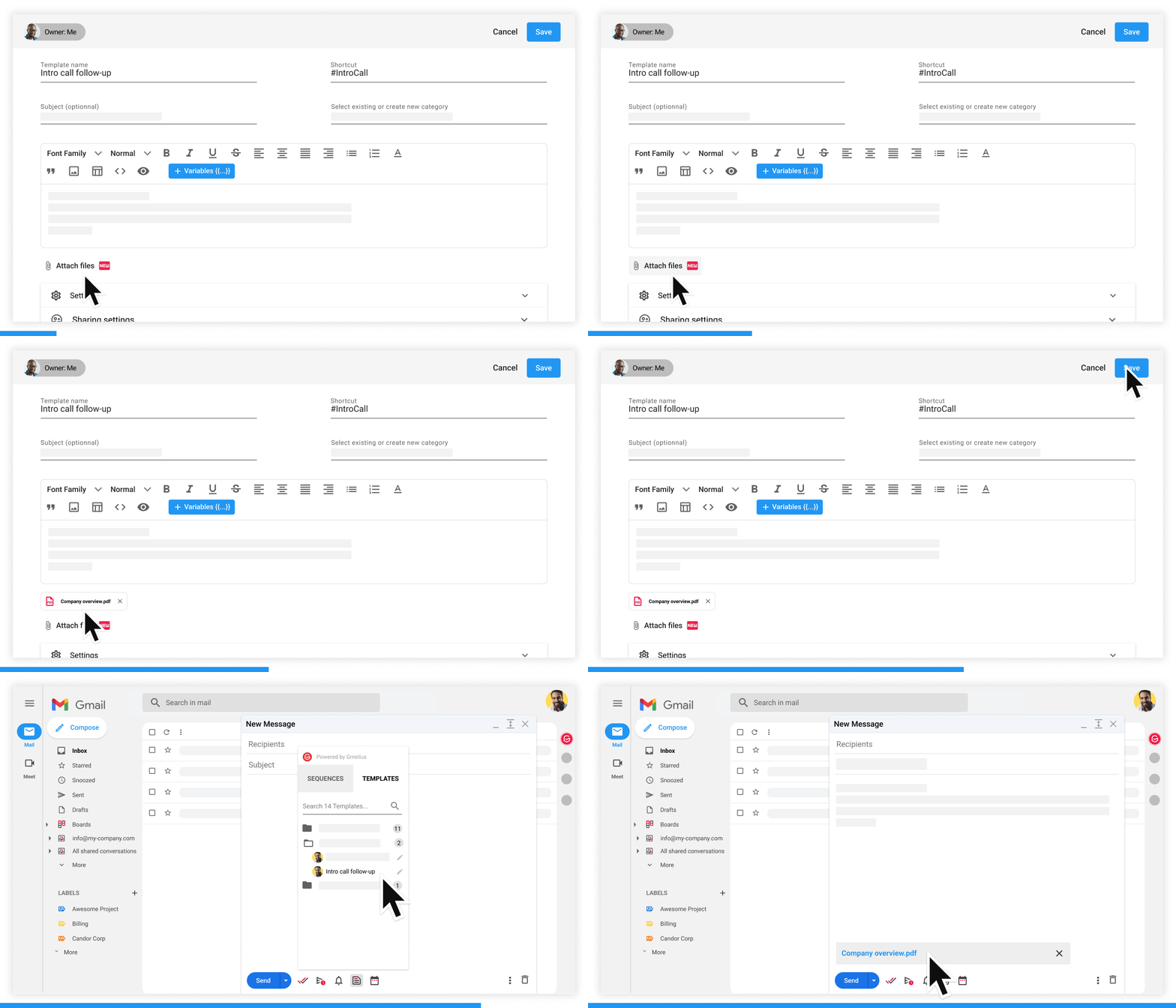
📁 Managing emails with board views? You can now drag and drop attachments in the inline compose!
🗃️ Need to save a copy of all your email templates? It is now possible to export your email templates in CSV format.
Sounds pretty awesome, right? What's your favorite update?

Do you have any questions or feedback? Let us know 👇